


How to Create an Impressive Video Presentation: Step-by-Step Guide for Candidates
Important: Video presentations increase your employment chances by 3× according to our agency data!
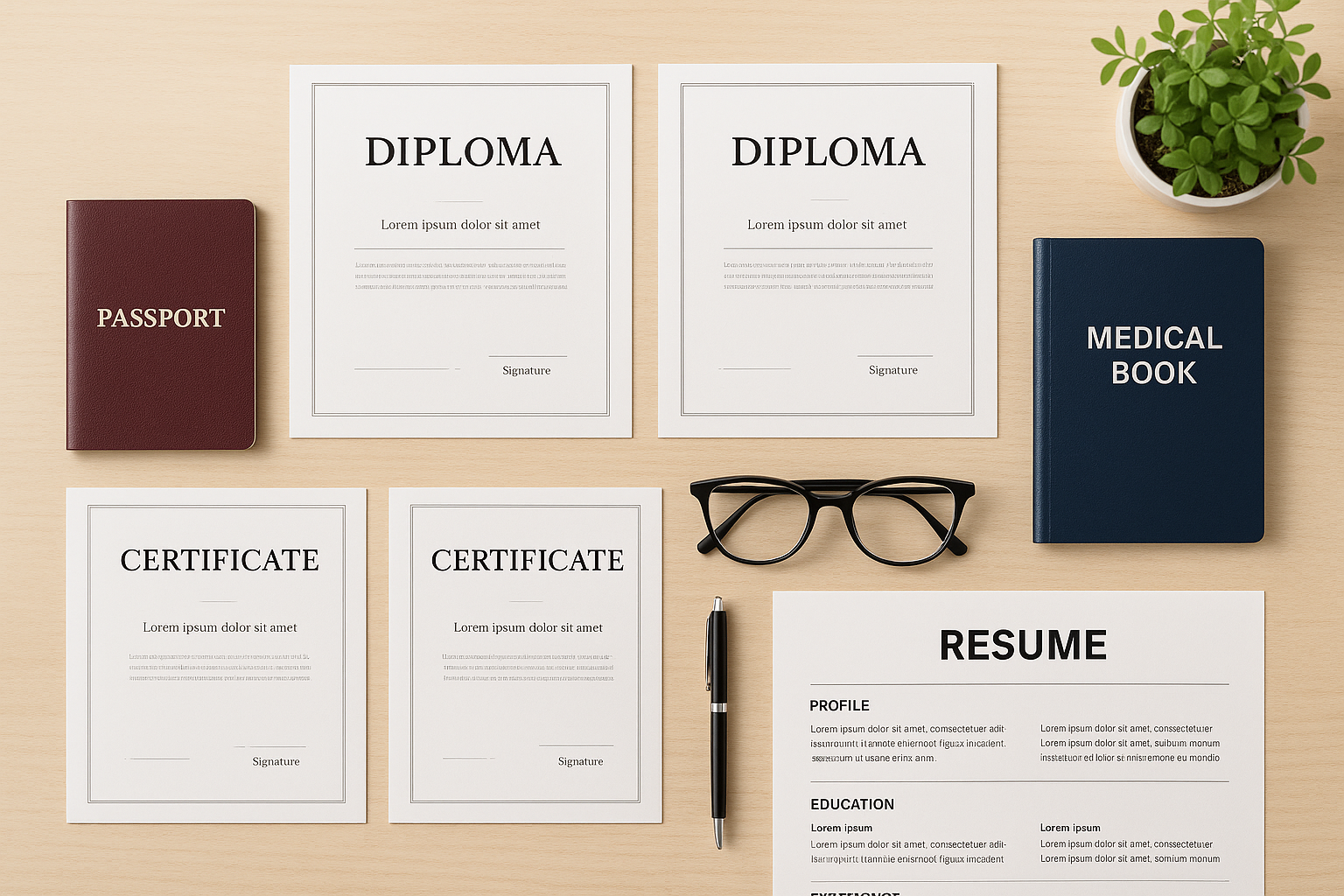
A concise 40–80-second video helps employers see your personality and professionalism.
How to Create the Perfect Video Presentation: Step-by-Step Guide for Candidates
Dear candidates!
A video presentation is your main tool to stand out. Below is a simple 4-step guide.
Why is a video presentation so important?
- 70 %+ of candidates with videos receive interview invitations
- Hiring happens 2× faster
- 85 % of employers prefer candidates with video introductions
A video shows what a CV can’t: your energy, communication skills and genuine interest.
Step 1: Content Preparation (40–80 seconds)
We recommend:
- 7–10 sentences about education and work experience
- 2–3 sentences on key skills
- 1–2 sentences on hobbies or a personal fact
What to include?
Your specialty and experience
Example: “I’m a professional nanny with five years’ experience, trained in Montessori methods.”
Key skills
Example: “Certified in first aid, develop educational games, strong communication.”
Hobby or personal fact
Example: “I enjoy painting and playing piano.”
Step 2: Technical Requirements
- Duration: 40–80 seconds
- Format: MP4 or MOV
- Quality: HD (720p+)
- Lighting: face well lit, avoid harsh shadows
- Background: neutral, tidy
- Sound: clear audio, no background noise
- Appearance: neat clothing, no pauses or reading from paper, clear speech
Step 3: Recording & Editing

Use what you have:
- Smartphone with HD camera
- Tripod or stable surface
- Recording apps: Open Camera, iOS Camera
- Editing software: CapCut, iMovie
Tip: Shoot several takes, then choose the best. During editing, insert images of your diplomas and certificates instead of “work moments.”
Step 4: Upload & Publishing
- Upload your video to a cloud service (YouTube as “Unlisted,” Google Drive, Dropbox) or send the file via WhatsApp.
- Copy the shareable link or prepare the file.
- Log into your account on our website and paste the link into the “Video Presentation” field (if using cloud).

Examples of effective videos:
- Clear opening: “Hello, I’m Anna, a professional chef.”
- Energetic delivery with a smile
- Insert visuals of diplomas and certificates
- Neutral, tidy background with good lighting
- Polite closing with a thank-you message
FAQ
Q: Do I need professional equipment?
A: No — a smartphone and good lighting are enough.
Q: Can I present in another language?
A: Yes. For international roles, use the languages required in the job description (often English or Arabic).
Q: What if I'm camera-shy?
A: Start by confidently showing your face—this builds trust.
Within 48 hours of adding your video presentation, your CV will be prioritised for employers!



The most harrowing question for all young mums and dads - choosing what is best for their child: a nanny or kindergarten? Finding the answer to this question is especially difficult for parents who want to raise a bilingual or multilingual child. They need to understand which approach will best help their child learn a second language: an English kindergarten or a nanny from England? Let's look at the pros and cons of each option.